
A verification code expires when the destination site stops accepting that OTP because its time window (or single-use rule) ended—even if you can still see the SMS.
This guide is about time / window expiry. If the site says the code is wrong while you are still inside the window, see Why is my verification code invalid?.
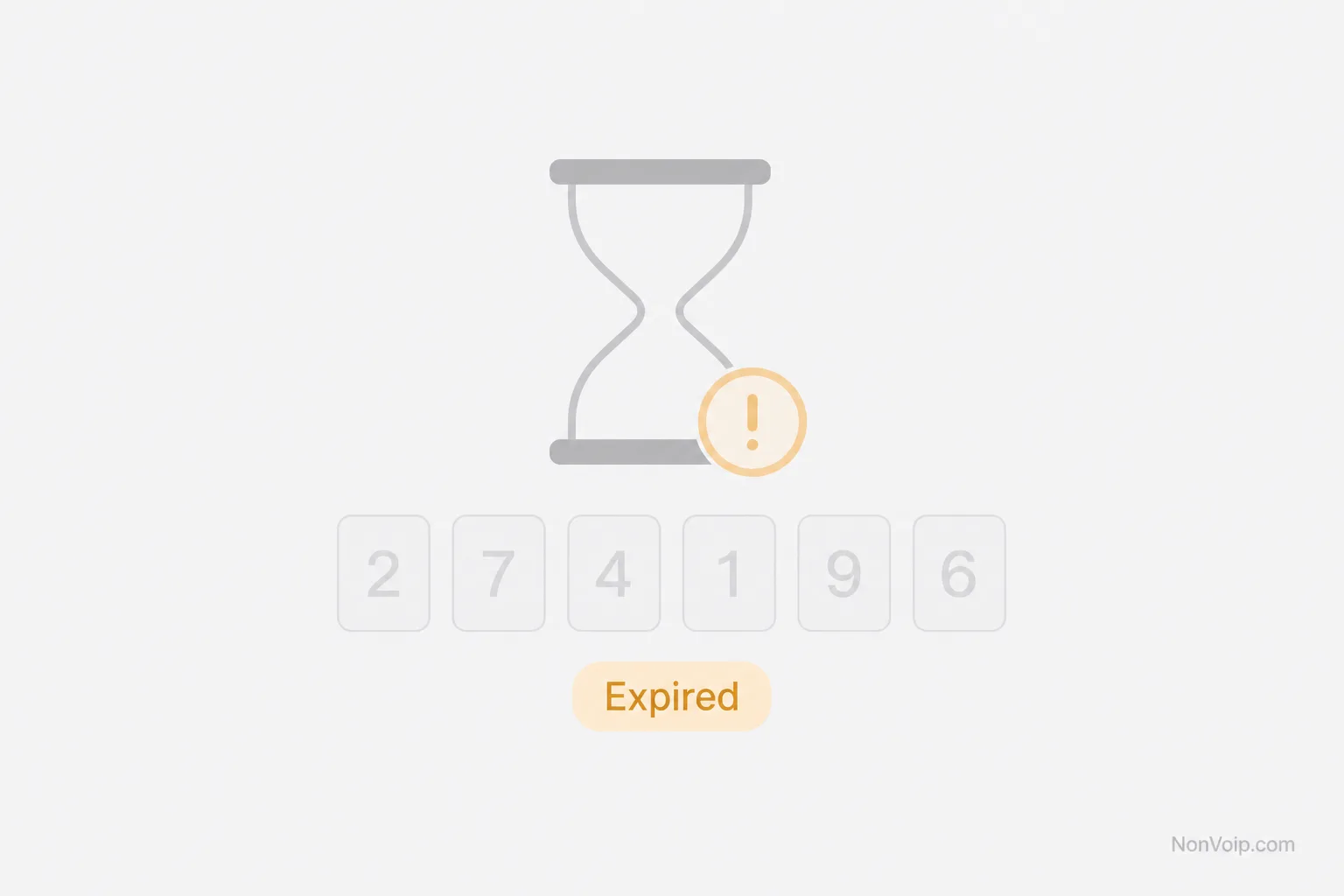
Why do OTPs expire?
Services expire codes so:
- Old messages cannot be reused later
- Stolen or forwarded SMS have a short useful life
- Each attempt stays tied to a recent request
OTP definition: What is an OTP code?. Process context: What is SMS verification?.
What usually causes “code expired”?
- You waited too long after the SMS arrived
- Delivery was delayed past the site’s window
- You opened an older SMS instead of the newest code
- The site invalidated the previous code when you requested a new one
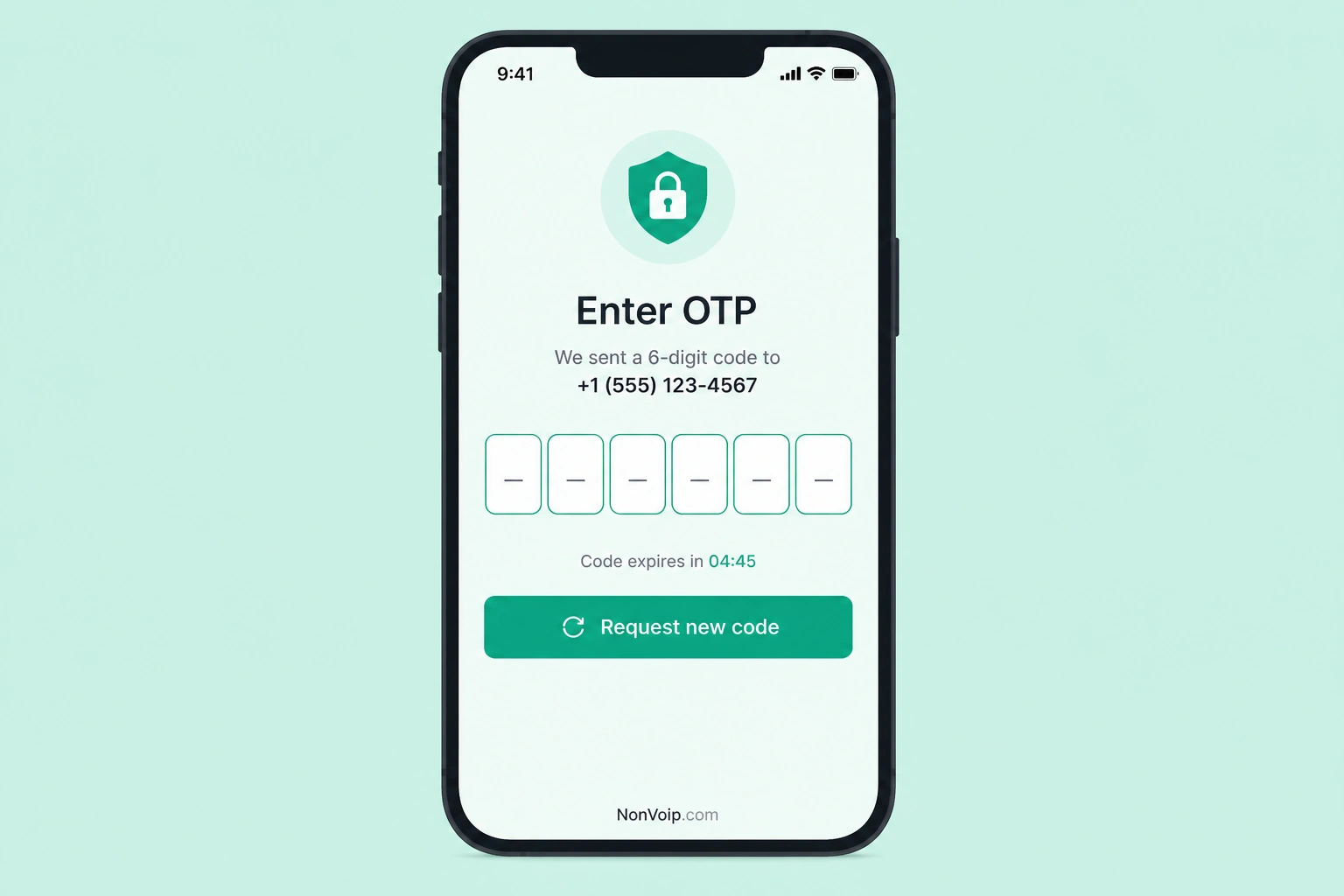
What should you do?
- Request a new code if the site allows it.
- Watch for the latest SMS in your NonVoip order.
- Enter it promptly.
- Confirm your NonVoip access period is still active—see How long can you keep a verification number?.
If no new SMS arrives, use SMS code not received.
Expired vs invalid
| Message / situation | Likely meaning |
|---|---|
| Expired / timed out | Window ended or code superseded |
| Invalid / incorrect | Mismatch, typo, or wrong code for this attempt |
Frequently Asked Questions
Does NonVoip expire the OTP?
The destination sets OTP validity. NonVoip access ending is a separate clock (session/rental).
Can I reuse an expired code?
No. Request and enter a fresh OTP.
Next step: If the new code still fails as wrong, read Verification code invalid. Browse offers on SMS verification.