
If your SMS verification code was not received, check the basics in order: confirm the number you typed, confirm your NonVoip order is still active, wait for destination-side delay, then review order status and refund options. Most “missing OTP” cases are timing, typos, or site-side throttling—not a mystery failure.
This is a troubleshooting checklist. For how SMS verification works, see What is SMS verification?. For the product flow, see How NonVoip works.
What should you check first?
Work top to bottom:
- Number match — Does the destination form show the exact NonVoip number (country code included)?
- Order still active — Has a short-term session expired? Is a rental still valid?
- SMS actually requested — Did the site confirm it sent a code?
- Resend limits — Did you trigger too many sends too quickly?
- Dashboard refresh — Open the order detail and look for new messages.
If the form rejected the number before send, stop this checklist and open Why is my phone number not accepted for verification?.
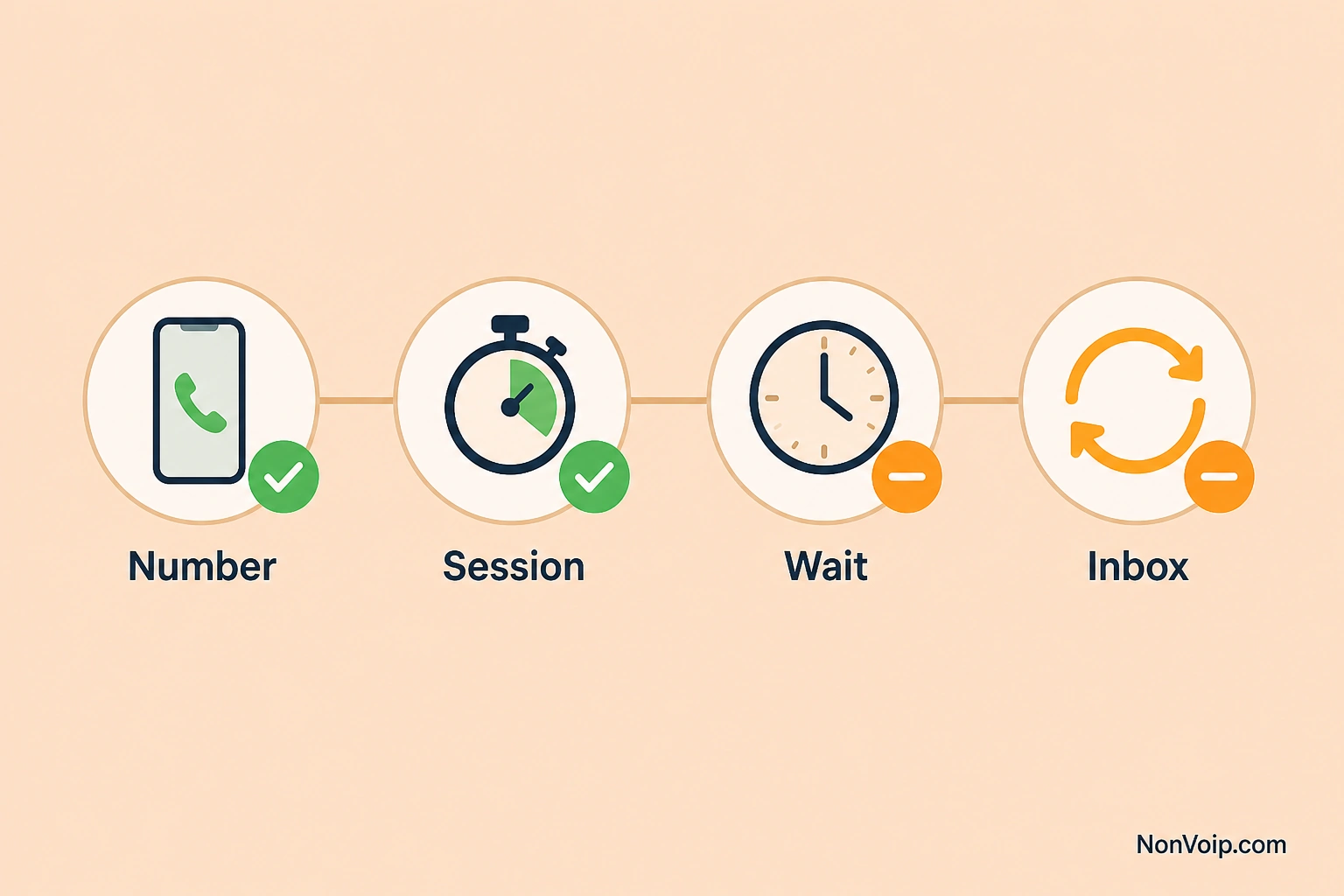
Why can OTP SMS be delayed?
Even after a successful send:
- Destination providers queue messages
- Carriers and intermediate routes add latency
- Peak traffic slows delivery
- Some apps intentionally space resends
Wait a reasonable window before assuming failure, then retry carefully. Dedicated delay guide: Why is my SMS verification code delayed?. Conceptual background: What is SMS verification?.
How do NonVoip order statuses help?
Trust the dashboard fields for your order—not screenshots from unrelated provider UIs. Status tells you whether the order is still waiting, timed out, or completed.
If your access window ended, place a new order or review Understanding NonVoip number types.
What else commonly blocks the code?
| Issue | What to do |
|---|---|
| Wrong country code / digit | Re-copy from NonVoip; request a new SMS only if the site allows |
| Session timed out | Place a new short-term order if needed |
| Site blocks VoIP-like lines | Prefer Non-VoIP inventory; see Why Non-VoIP for SMS verification |
| Out of stock / no offers | Why is a phone number out of stock?; catalog on SMS verification |
| Code arrived too late | Verification code expired |
| Code rejected as wrong | Verification code invalid |
Checklist you can reuse
- Number pasted correctly
- Order/session still valid
- Site shows “code sent”
- Waited for delay window
- Checked NonVoip order messages
Commercial entry points: SMS verification, Dedicated numbers, Pricing.
Next step: If the number itself is rejected, read Number not accepted. If you need Non-VoIP basics again, open What is a Non-VoIP number?.