
After you request an SMS verification code, the destination service generates a one-time code, sends it as a text to the number you entered, and waits for you to submit that code before the request expires.
This guide is the delivery process after the request. Product onboarding is How NonVoip works. Mechanism overview: What is SMS verification?.
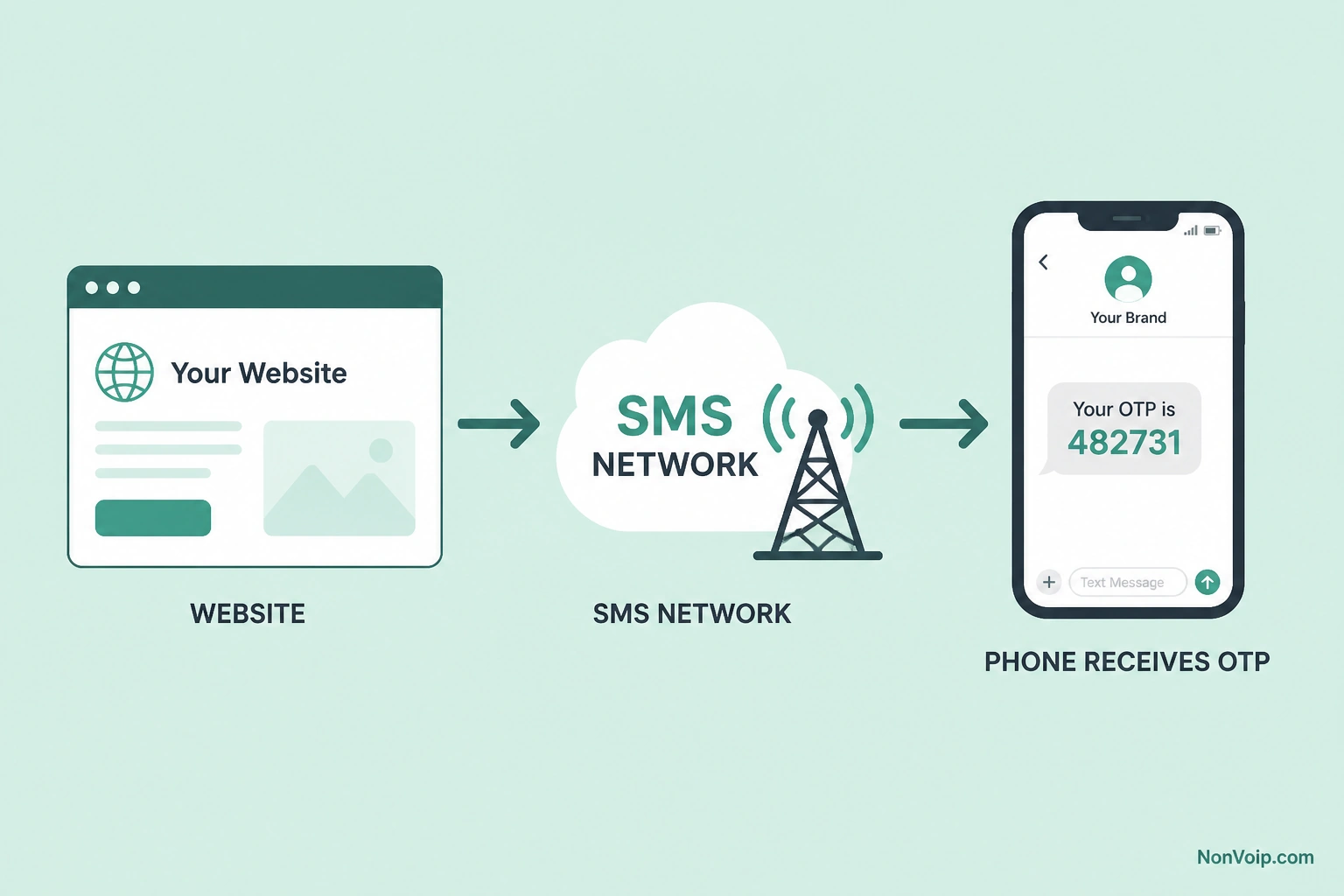
What happens step by step?
- You submit a phone number on the site or app.
- The service creates an OTP for that attempt.
- The service (or its SMS provider) sends the message toward that number.
- The SMS is delivered to the line—on NonVoip, into your order’s message view.
- You enter the code before the site’s expiry window.
- The service checks the match and continues the flow if it succeeds.
OTP definition: What is an OTP code?.
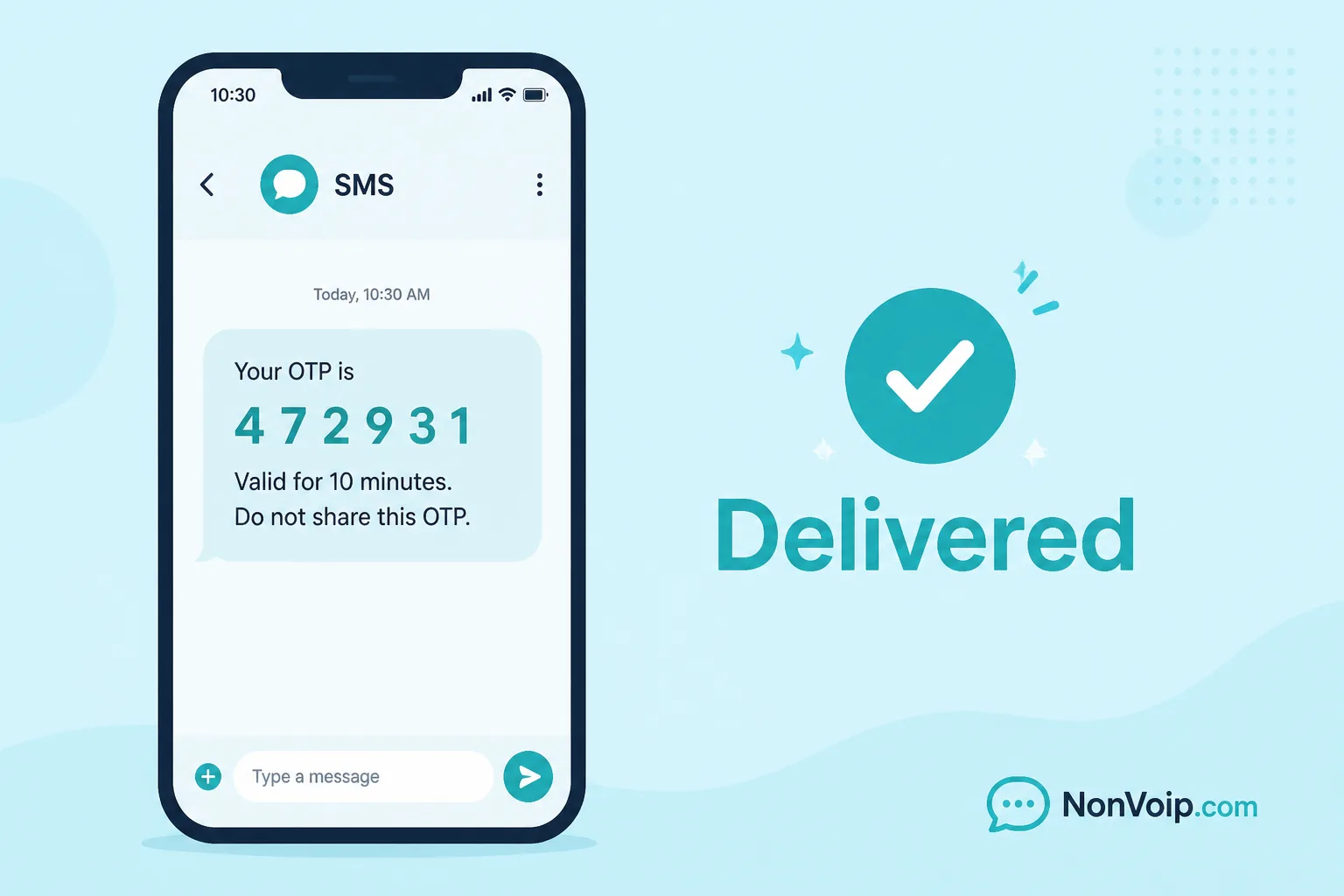
What do you see on NonVoip?
When the inbound SMS arrives:
- The order detail shows the message body
- Detected OTPs may be highlighted for quick copy
- Order status reflects waiting vs completed according to the product
You do not need a separate softphone app to read verification SMS on NonVoip for these flows.
Where can the process stall?
| Stage | Symptom | Guide |
|---|---|---|
| Number rejected before send | Form error | Number not accepted |
| Send claimed, nothing in inbox | Missing SMS | SMS code not received |
| Message slow to appear | Latency | SMS verification code delayed |
| Code too late | Expired | Verification code expired |
| Wrong digits / mismatch | Invalid | Verification code invalid |
Is delivery instant?
Often fast, not always. Queues, carriers, and destination providers can add delay. Waiting a reasonable window before resending avoids throttling—see the delayed-code guide above.
Frequently Asked Questions
Who sends the SMS—NonVoip or the website?
The destination website (or its SMS vendor) sends the message to your number. NonVoip provides the number and shows inbound SMS for your order.
Can more than one code be sent?
Yes, if you request again and the site allows it. See Can a phone number receive more than one verification SMS?.
Next step: Try the flow via How to receive SMS online, or open SMS verification.