
SMS verification is a security step where a website or app sends a one-time code to your phone number by text message, then asks you to enter that code to prove you control the number. It is one of the most common ways services confirm a reachable contact channel during signup, login, or recovery.
This guide explains the mechanism. For Non-VoIP context, see What is a Non-VoIP number?. To run the flow on NonVoip, see How NonVoip works.
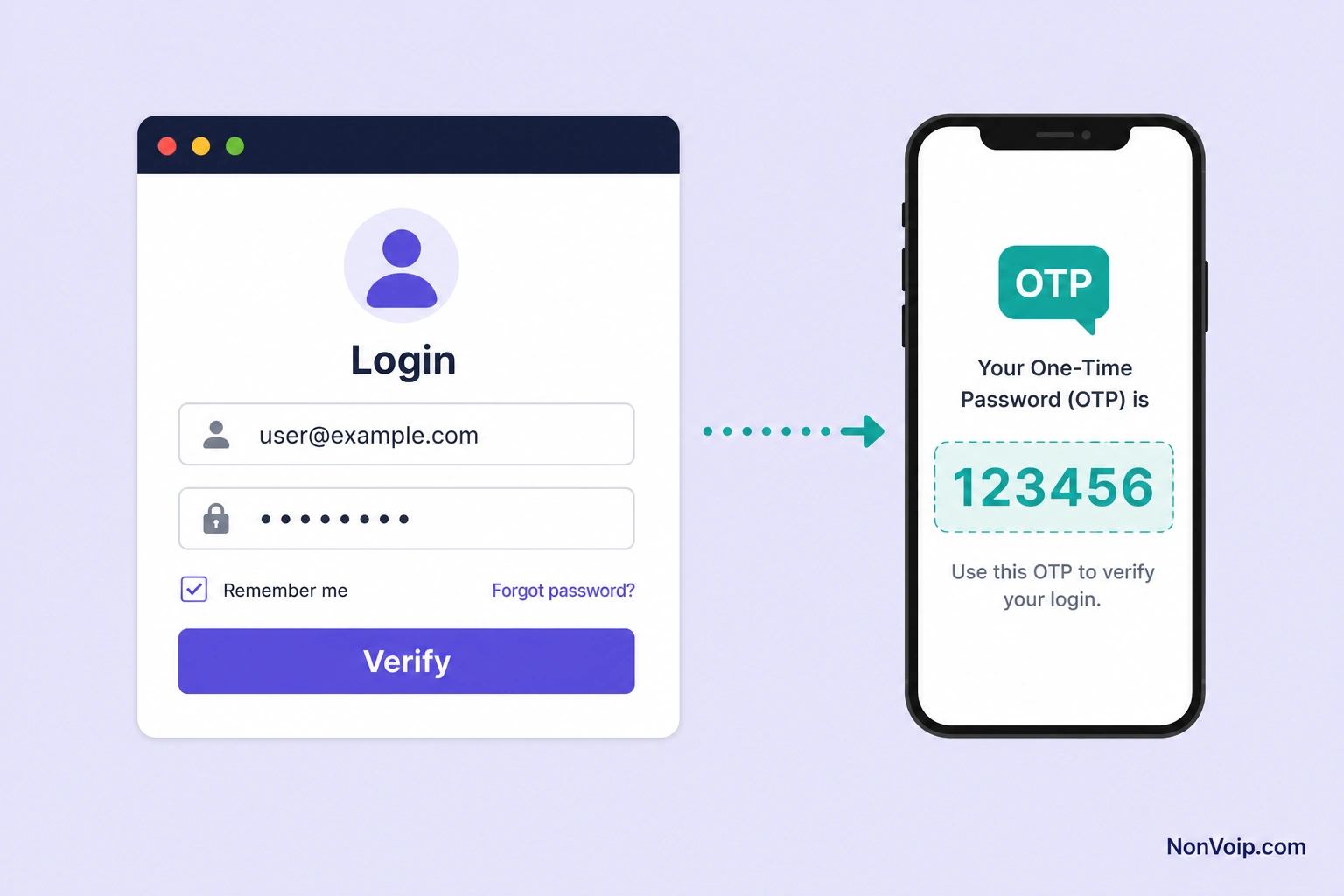
How does SMS verification work step by step?
- You enter a phone number on a site or app.
- The service generates a short OTP (one-time password / one-time code).
- The service sends that code in an SMS to your number.
- You read the SMS and submit the code before it expires.
- If it matches, verification succeeds.
The SMS is the delivery channel; the OTP is the secret. Timing, typos, and number acceptance all affect success.
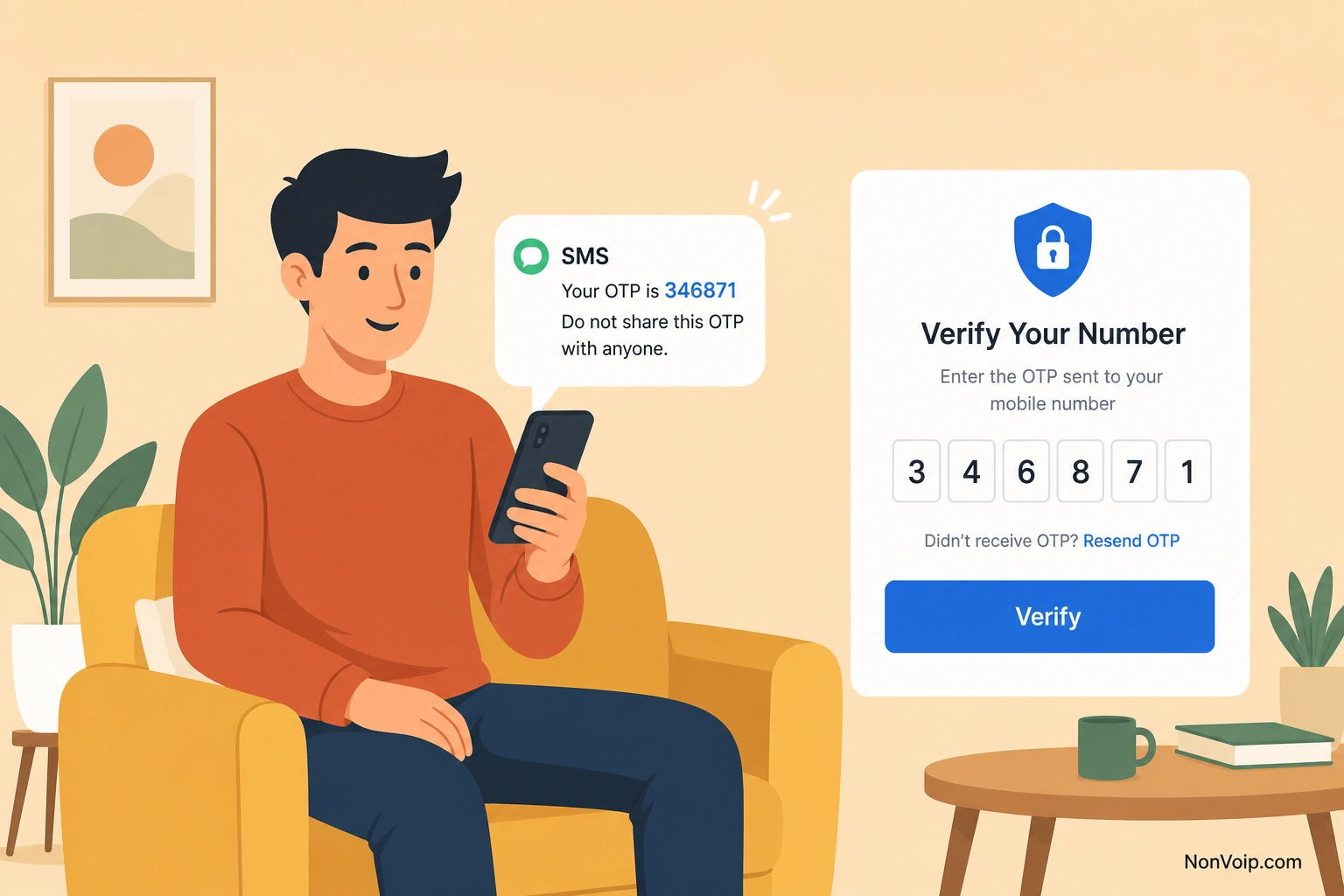
What is an OTP code?
An OTP is a temporary numeric (sometimes alphanumeric) code. It is meant to be used once and soon—often within minutes. NonVoip highlights detected OTPs in the order UI when possible, alongside the full message body.
Definition-focused guide: What is an OTP code?. If the code never arrives, follow SMS verification code not received: what to check.
Why do services use SMS verification?
- Prove possession of a phone number
- Reduce password-only account takeovers for some flows
- Add a step that is harder than a disposable email alone
SMS is not perfect security, but it remains widely deployed. That is why Non-VoIP number quality matters when platforms filter VoIP-like lines—see Why are Non-VoIP numbers used for SMS verification?.
How do Non-VoIP numbers fit into SMS verification?
Many services expect a normal mobile-style number. Non-VoIP inventory is chosen for those checks. You still:
- Order a number on NonVoip
- Paste it into the destination form
- Receive the SMS in your NonVoip order
Learn the product types in Understanding NonVoip number types. Commercial catalogs: SMS verification, Dedicated numbers.
What can go wrong?
| Symptom | Likely area | Guide |
|---|---|---|
| Number rejected in the form | Acceptance / VoIP-like filters | Number not accepted |
| Number accepted, no SMS | Delivery / session / destination delay | SMS code not received |
| SMS is slow | Latency | SMS verification code delayed |
| Code timed out | OTP window | Verification code expired |
| Code rejected as wrong | Mismatch / typo | Verification code invalid |
| Access window ended | Session or rental ended | How long can you keep a verification number? |
See Pricing for live catalog context.
Frequently Asked Questions
Is SMS verification the same as 2FA forever?
Sometimes SMS is used only at signup; sometimes it is ongoing 2FA. The SMS mechanism is similar; the product policy differs.
Can I verify without my personal number?
Yes—use a NonVoip Non-VoIP number for the verification SMS, as described in How to receive SMS online.
Next step: Try a live offer on SMS verification, or deepen Non-VoIP basics via What is a Non-VoIP number?.