
An SMS verification code can be delayed even after the website says it sent the message. Delay means the SMS is late—not necessarily that it will never arrive.
This guide covers latency. If nothing appears after a reasonable wait, switch to the checklist in SMS verification code not received: what to check.
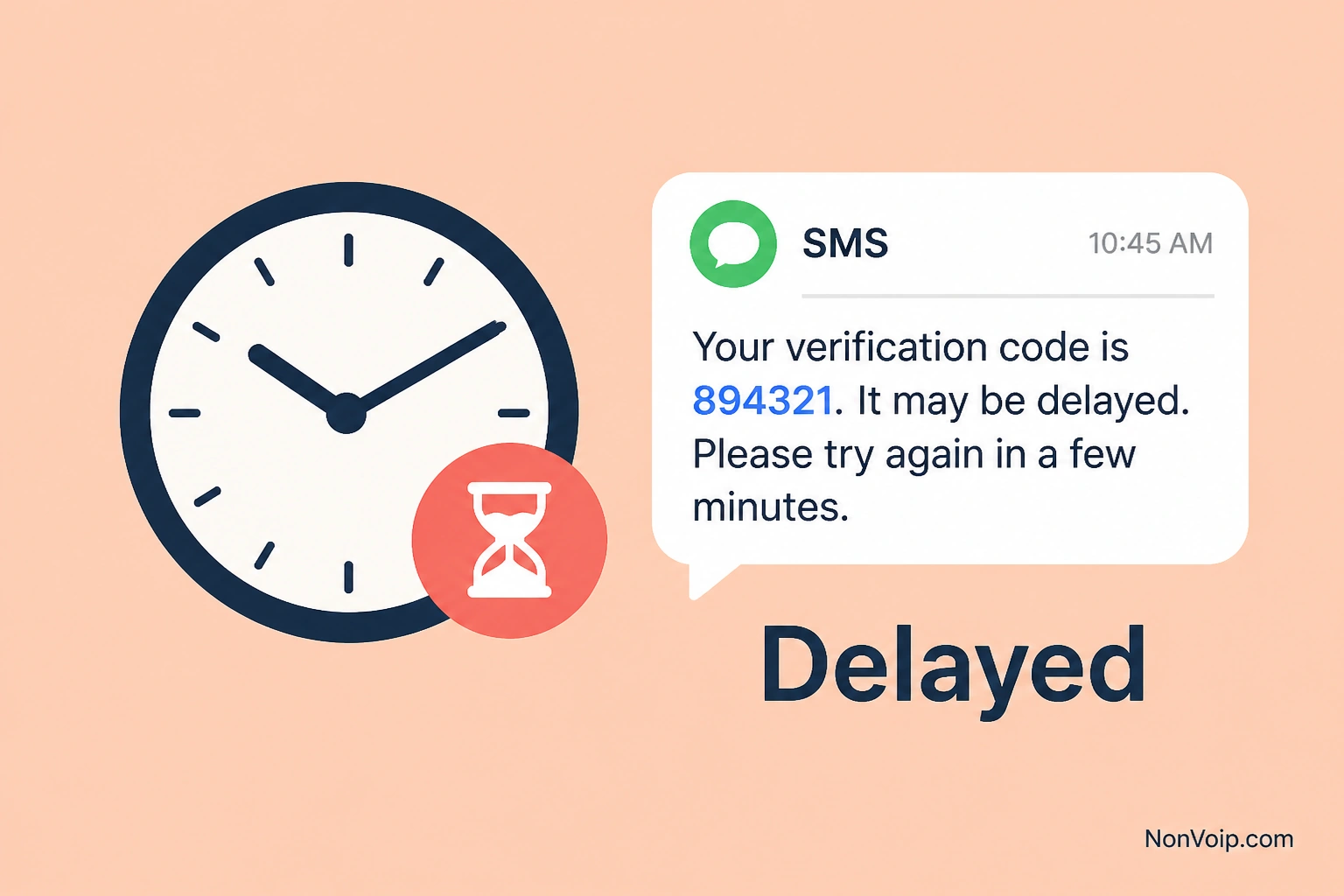
Why do verification SMS arrive late?
Common causes:
- Destination SMS providers queue traffic
- Carrier and intermediate routes add lag
- Peak-hour congestion
- The app spaces or throttles outbound OTP SMS
- International or filtered routes take longer
Delivery path overview: What happens after you request an SMS verification code?.
What should you do while waiting?
- Confirm the site shows “code sent” (not a rejected number).
- Keep the NonVoip order open and refresh the message list.
- Wait a sensible window before tapping resend.
- Avoid rapid resends that trigger throttling.
- Enter only the newest code when it arrives.
If the form never accepted the number, go to Number not accepted instead.
Delayed vs not received
| Situation | Use this guide |
|---|---|
| Site sent code; inbox empty for a short time | Delayed (this page) |
| Long wait + checklist exhausted | Not received |
Can delay make a code expire?
Yes. If the SMS is slow and the site’s OTP window is short, the code may expire before you type it. Request a fresh code only when the destination allows it.
Frequently Asked Questions
How long should I wait?
Start with a short wait, then a longer one if the site’s UI still shows a pending send. Exact “always wait N minutes” rules vary by destination.
Does NonVoip control destination send speed?
The destination (or its SMS vendor) sends the message. NonVoip shows inbound SMS when the network delivers them to your number.
Next step: If the code never appears, open SMS code not received. For OTP basics, see What is an OTP code?.