
To receive SMS online with a Non-VoIP number, you rent or session-assign a Non-VoIP line through a provider, enter that number where a website asks for a mobile, then read the inbound message (usually an OTP) in a web dashboard instead of on a physical SIM. On NonVoip, that path is: fund your wallet → choose Short Term, Long Term, or Dedicated → order → wait for SMS on the order page.
This guide focuses on the online receive flow. For definitions, see What is a Non-VoIP number?. For the full product walkthrough, see How NonVoip works.
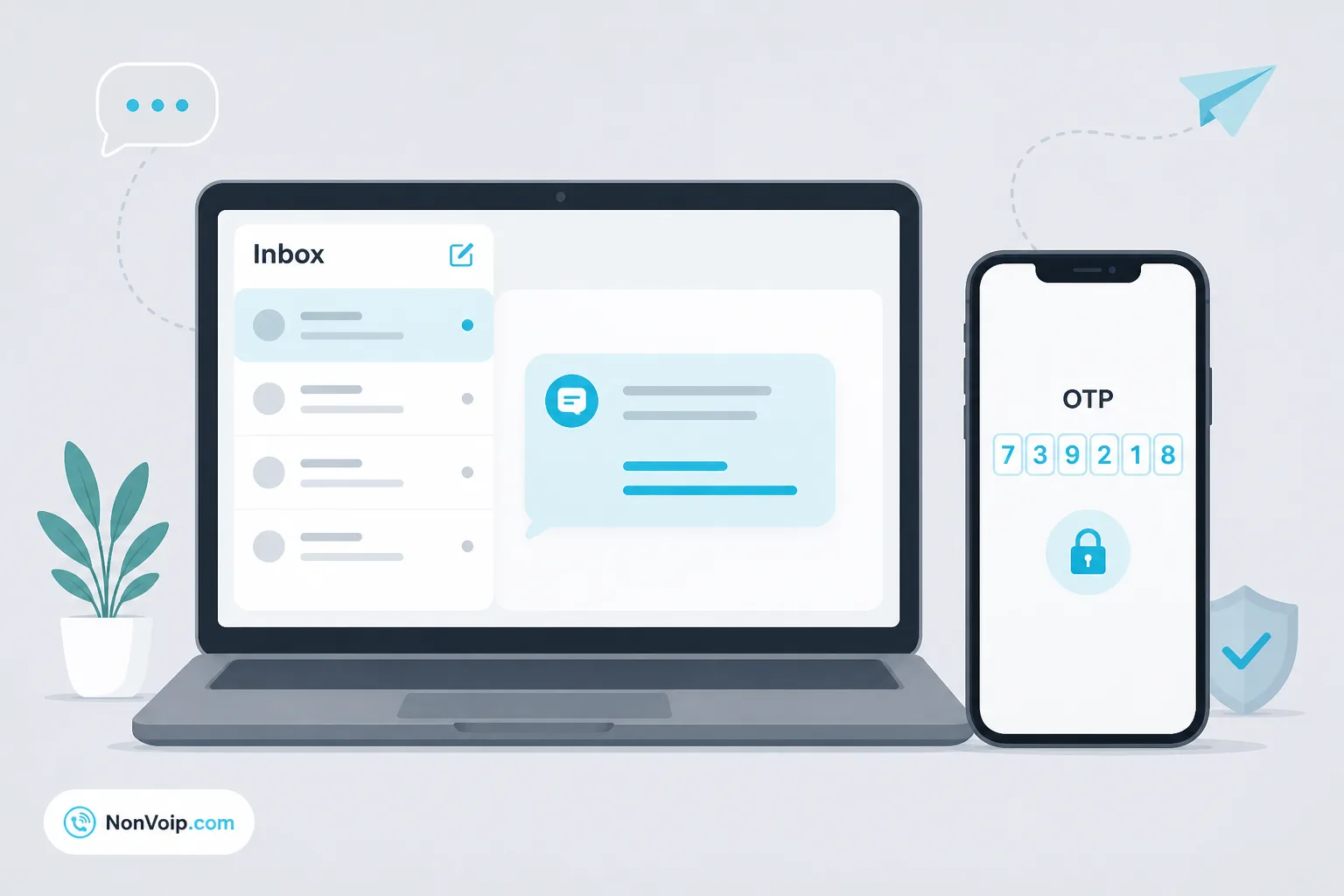
Why receive SMS online instead of using your personal phone?
Common reasons:
- Keep personal numbers private during signups and tests
- Separate verification traffic from your daily SIM (Why use a separate number for SMS verification?)
- Use a Non-VoIP-style line when a site rejects VoIP or personal-line constraints apply
- Work from a browser without carrying a second handset
Online receive does not mean the SMS is “fake.” The destination service still sends a normal verification SMS to the number you provide. NonVoip surfaces that inbound message in your account.
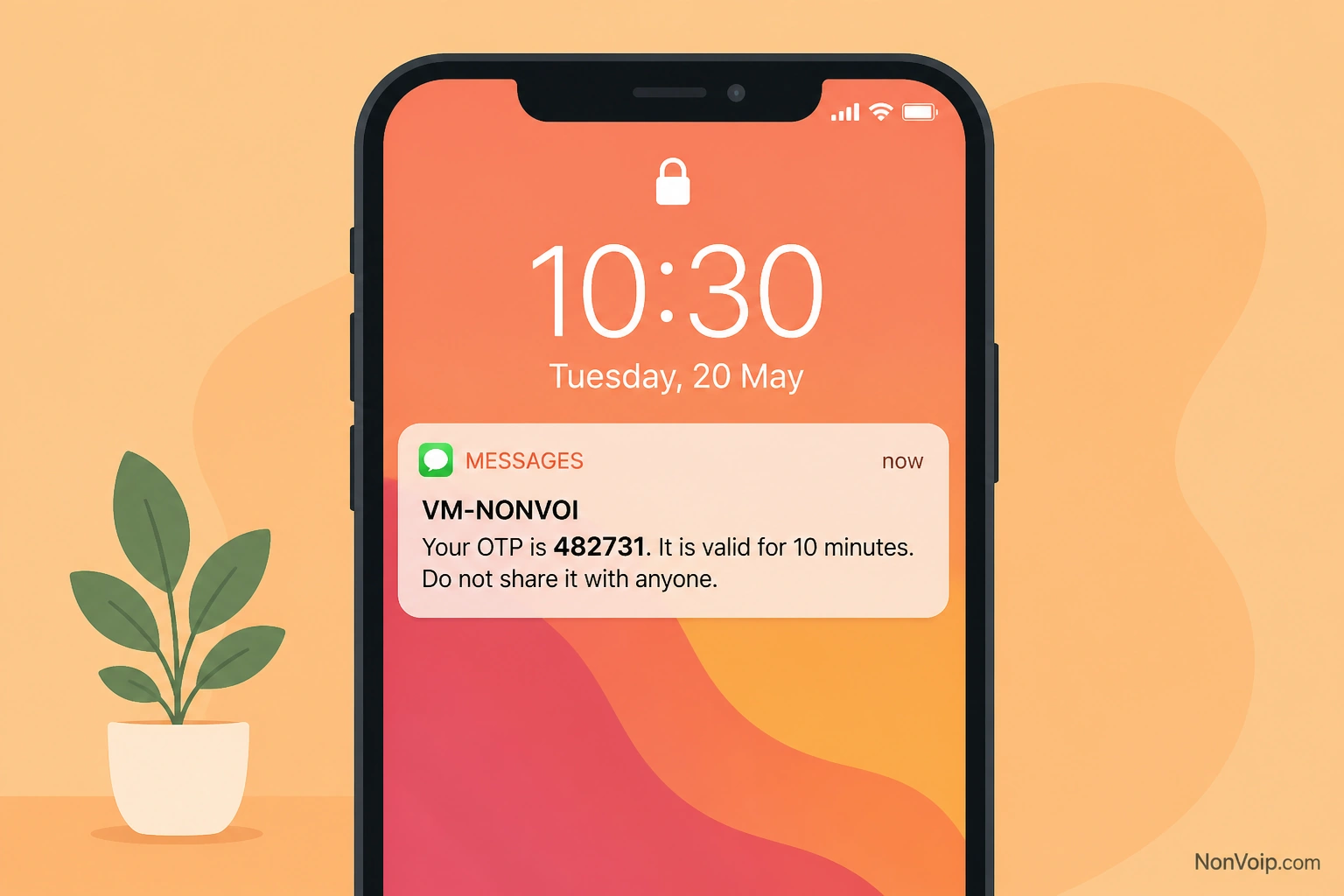
How does online SMS receive work with NonVoip?
- Browse SMS verification (or dedicated inventory under Dedicated numbers).
- Select an offer and complete checkout from your wallet.
- Copy the assigned number into the verification form.
- Trigger the SMS on the destination site.
- Open your NonVoip order and read the message / OTP.
Short Term lines are built for quick one-time codes. Longer rentals (Long Term and Dedicated) fit repeat SMS to the same number. See Understanding NonVoip number types.
What do you need before the destination site sends the code?
- An active NonVoip order with a visible number
- Enough time left in the session or rental
- The destination form ready (correct country code, no typos)
- A plan if the site rate-limits OTP resends
Mistakes that block receive: pasting the wrong number, requesting SMS after the short-term session expired, or assuming a rejected number will still get a code.
What if the SMS does not appear?
Work the checklist in SMS verification code not received: what to check. If the SMS is merely slow, see Why is my SMS verification code delayed?. Typical issues include destination-side delays, wrong number typed, session timeout, or a number the site will not message.
If the form rejects the number before SMS is sent, that is a different problem—see Why is my phone number not accepted for verification? and Why are Non-VoIP numbers used for SMS verification?.
How is this different from public “free SMS” inboxes?
Public shared inboxes are often abused and blocked. NonVoip is a paid wallet product with order-scoped numbers and dashboard delivery. See Pricing for live offer context.
Frequently Asked Questions
Can I receive SMS online without giving out my personal number?
Yes—that is a primary use case. Order a Non-VoIP number and use it only for the verification you need.
Do I need an app on my phone?
Dashboard users read messages in NonVoip in the browser. Follow in-product instructions for your account type.
Is every SMS guaranteed?
Delivery depends on the destination service, the number, and network conditions. Use order status and refund policy rather than assumptions.
Next step: Start from SMS verification, or learn the conceptual side in What is SMS verification?.